📝 Complete Setup Guide
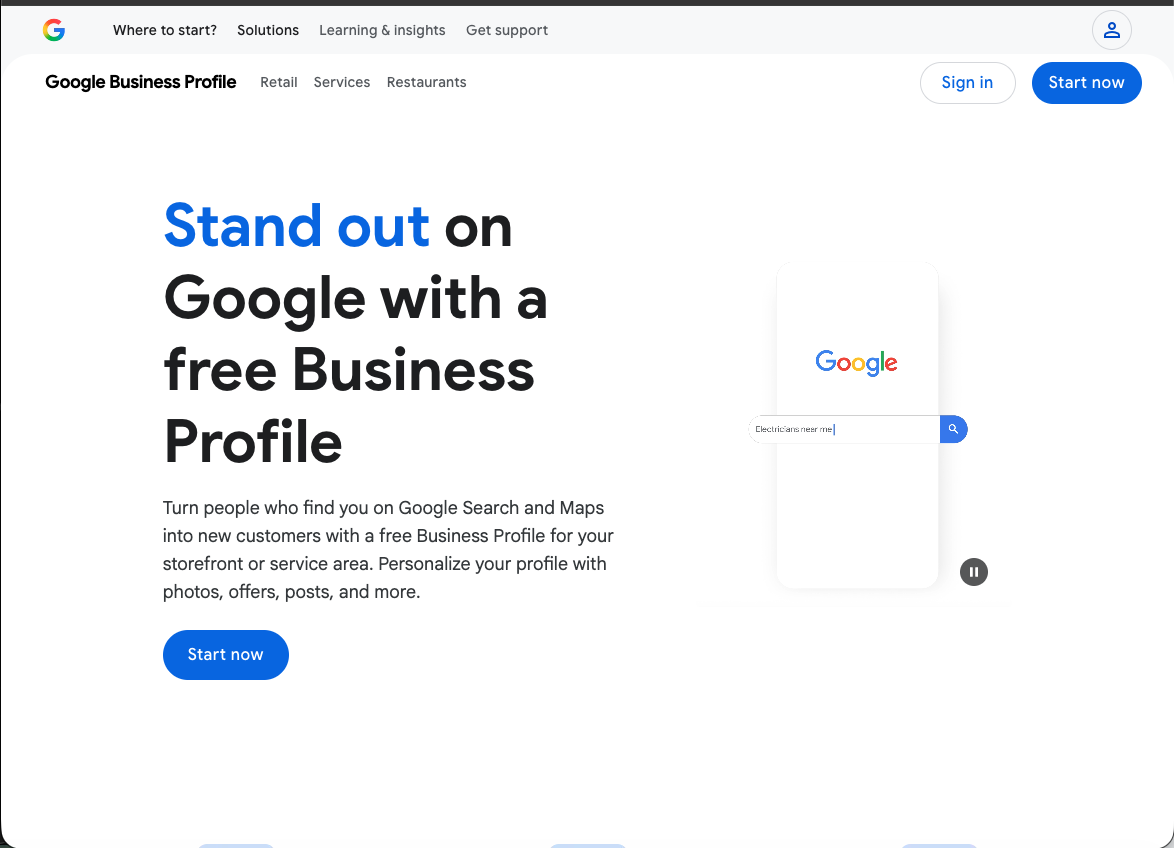
Visit business.google.com and click "Start now". Sign in with your Google account (or create one if needed).
Type your exact business name. For category, start typing your trade (e.g., "Plumber", "Electrician", "Painter") and select the best match.
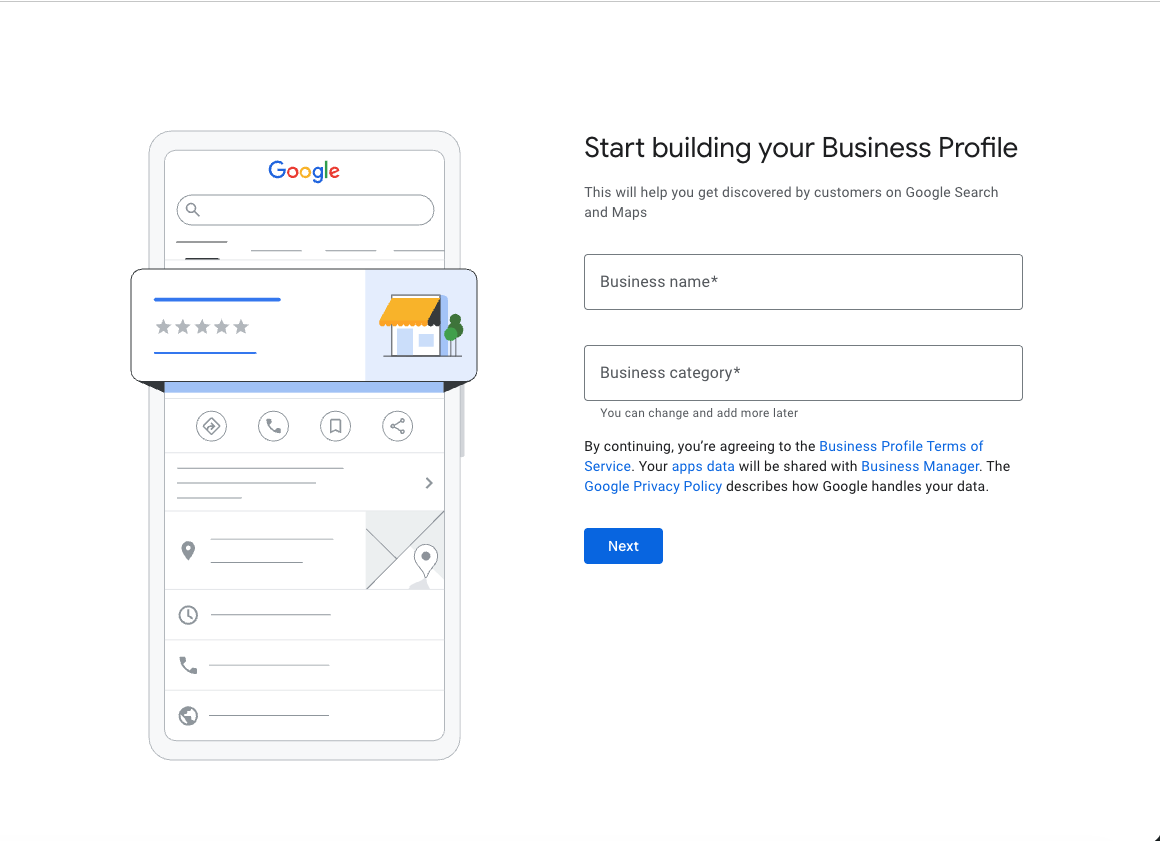
Choose the most specific category that matches your primary service. You can add more categories later.
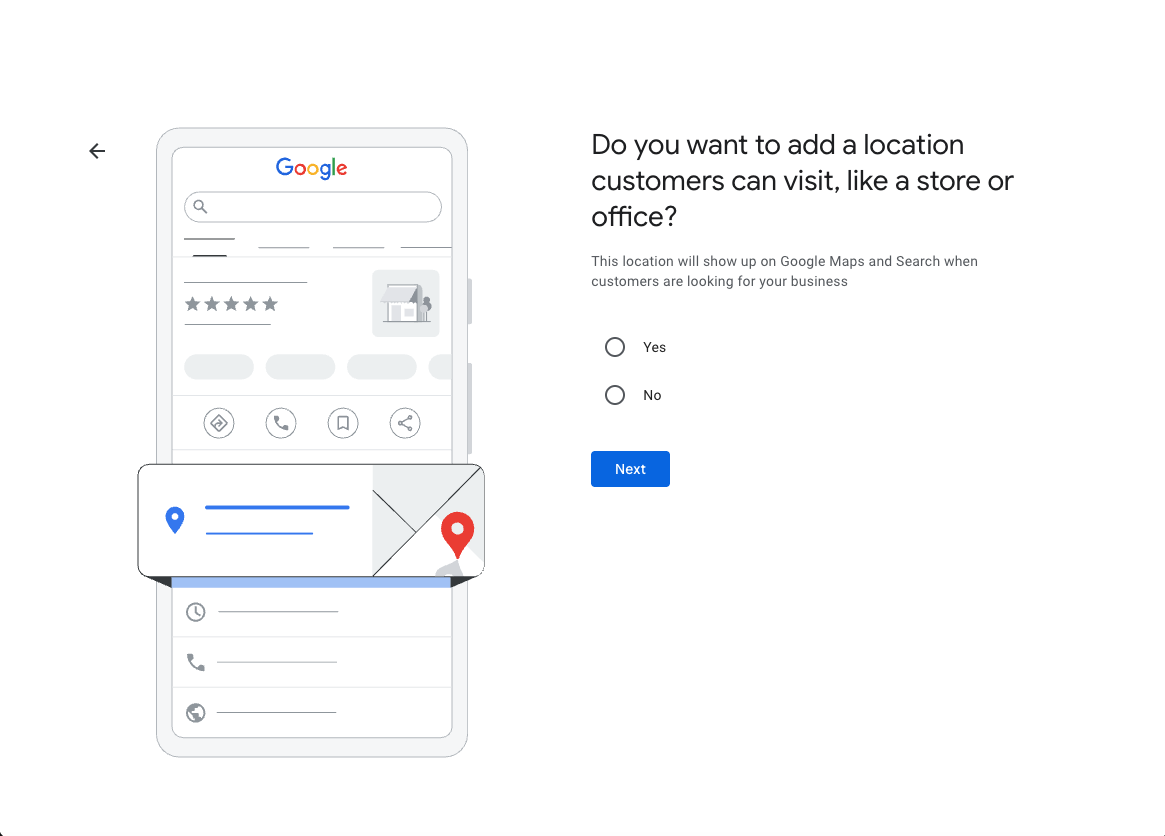
If you have a storefront (salon, restaurant, retail) customers visit: Select Yes.
If you travel to customers (plumber, roofer, cleaner): Select No.
Enter the address where your business operates. For service area businesses, this is used for verification only and won't be shown publicly.
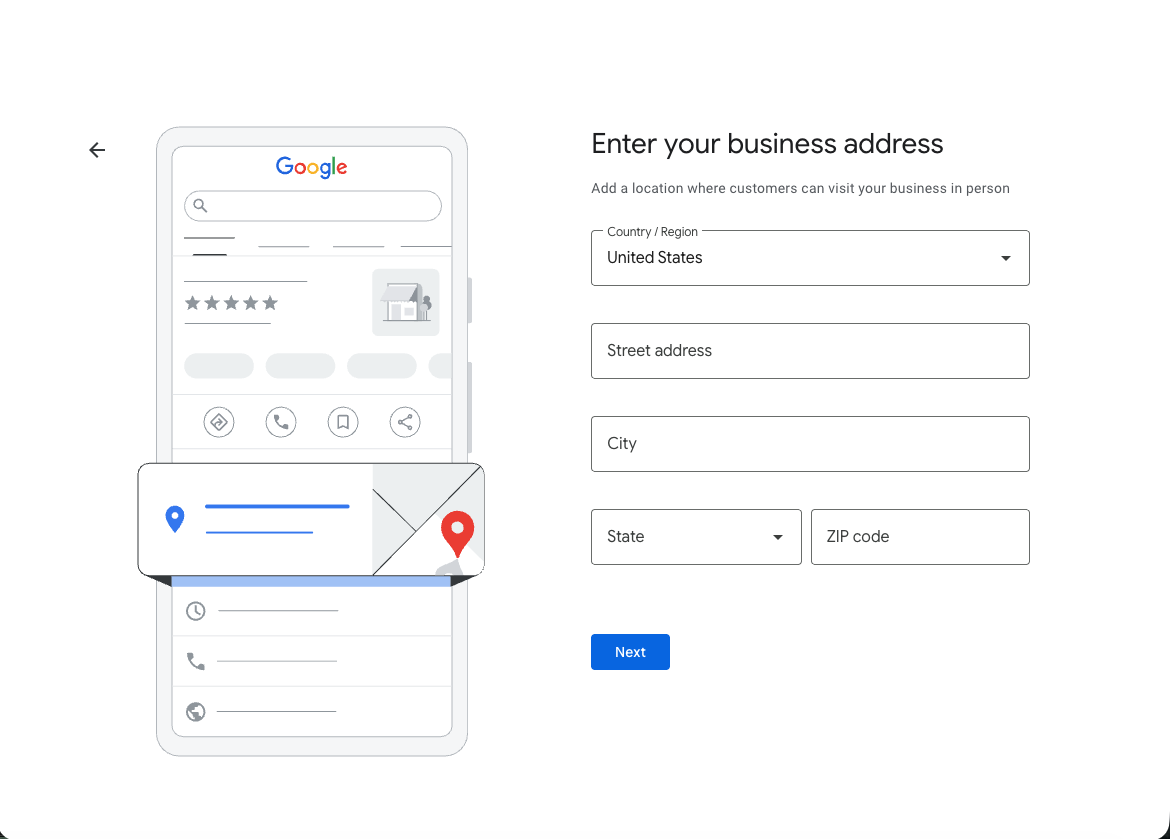
Use a real address where you can receive mail. PO boxes and virtual offices are not allowed by Google.
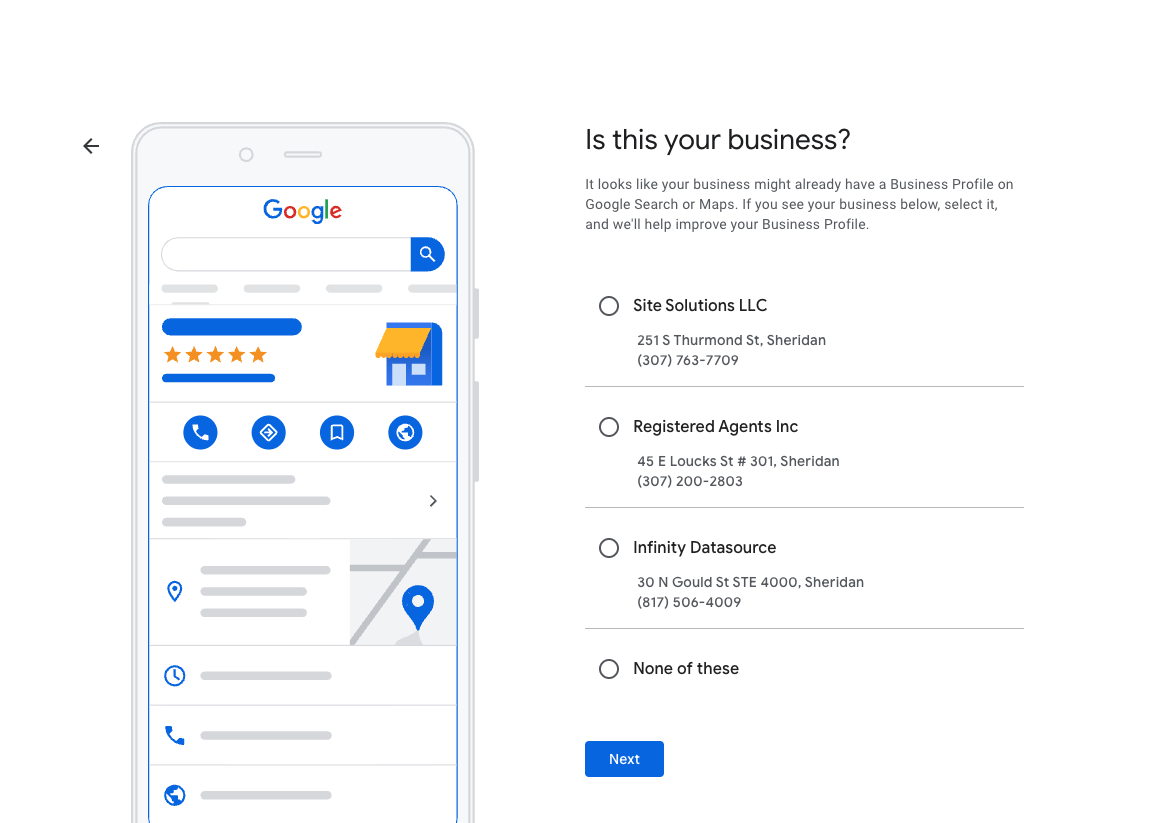
Google may show existing businesses at that address. Select "None of these" unless you recognize your actual business in the list.
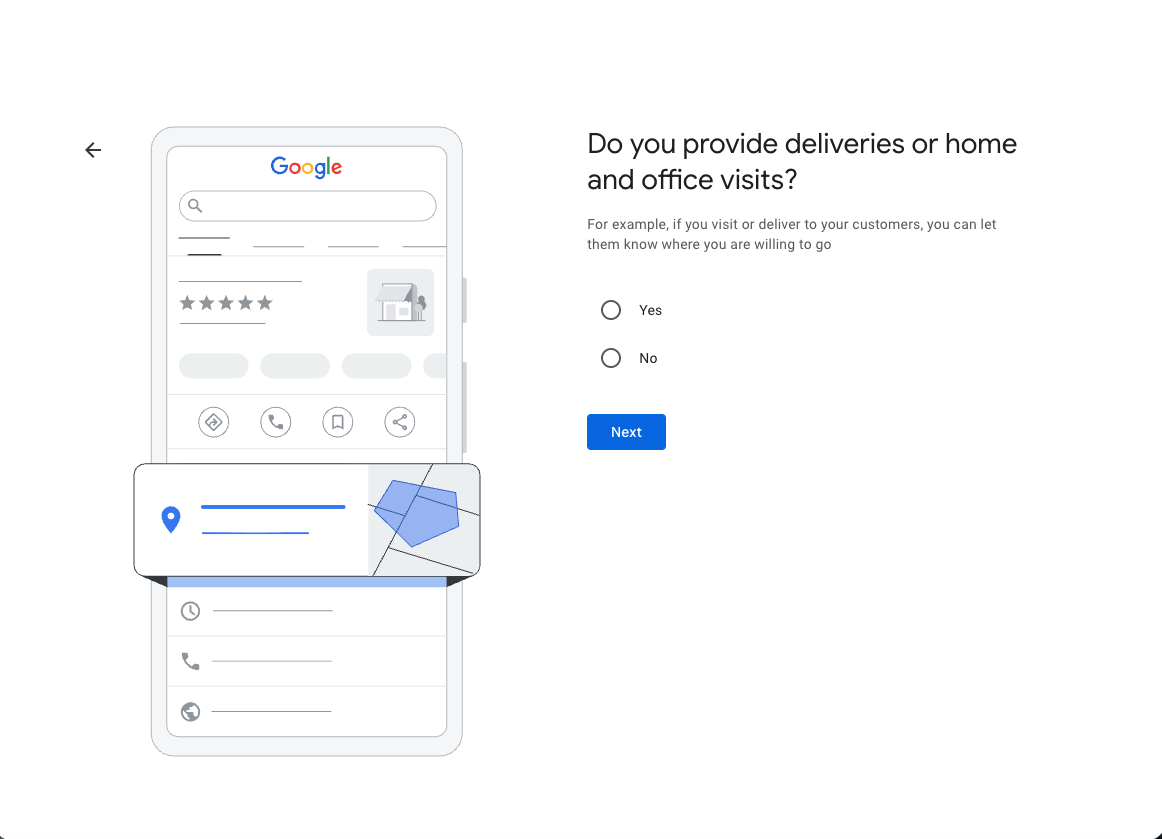
Most contractors: Select Yes. This means you travel to customer locations to provide your services (home visits, job sites, etc.).
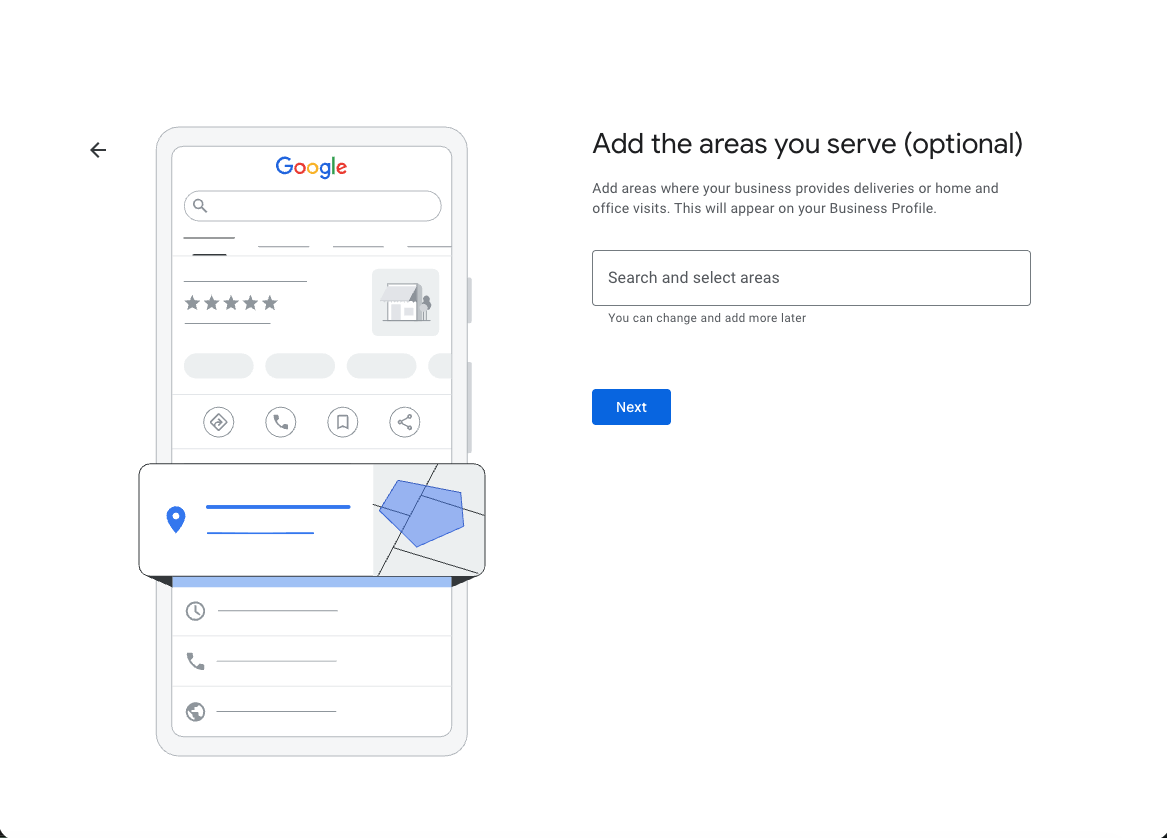
Enter the cities, ZIP codes, or regions you serve. Be honest - only add areas you actually service. You can change these later.
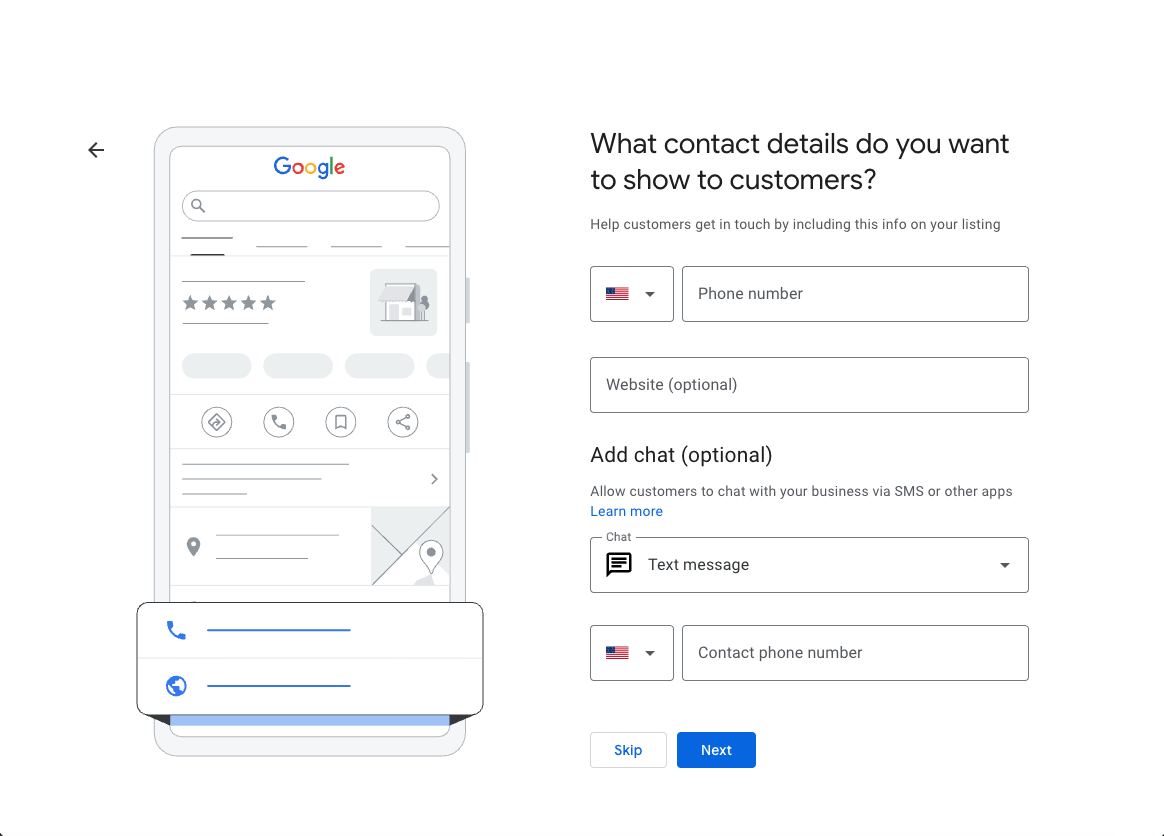
Enter your business phone number and website. The chat option is optional - you can skip it or add it later.
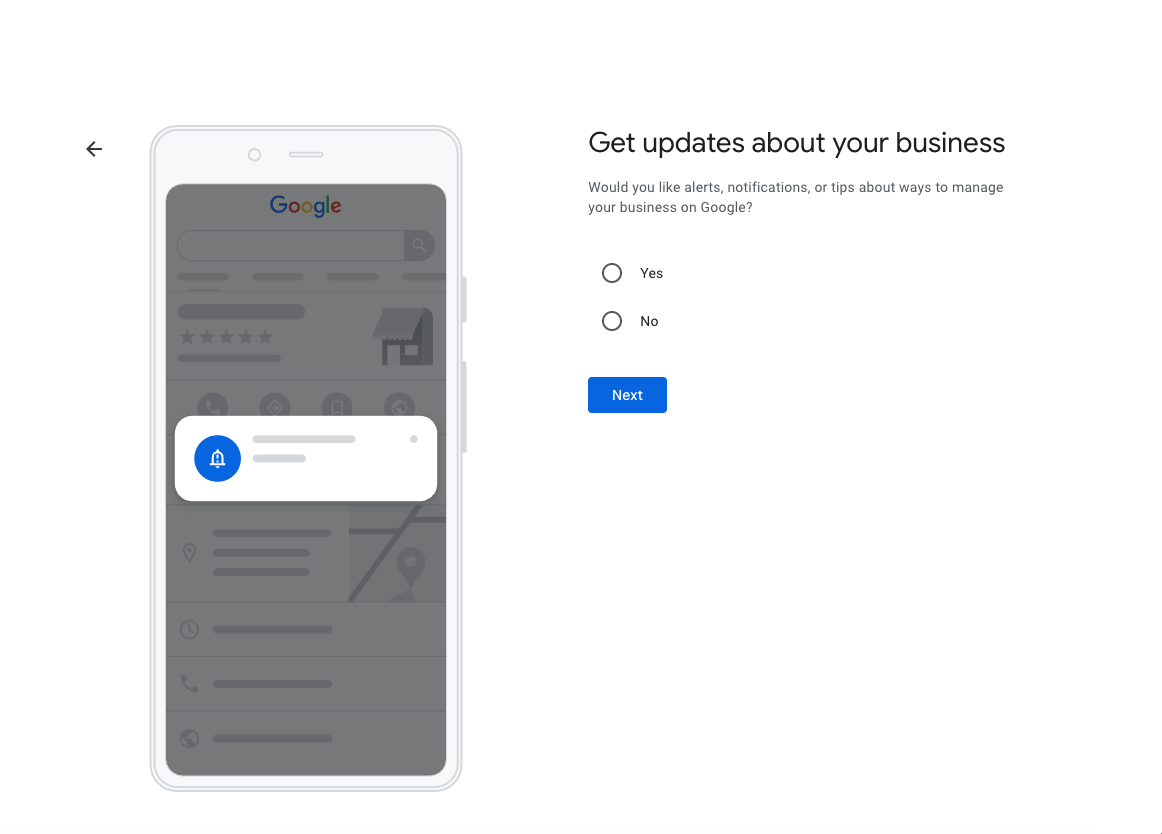
Choose whether you want Google to send you tips and notifications. Either option is fine - this doesn't affect your profile.
Enter your phone number to receive a verification code. You can also click "Verify Later" to continue setting up your profile first.
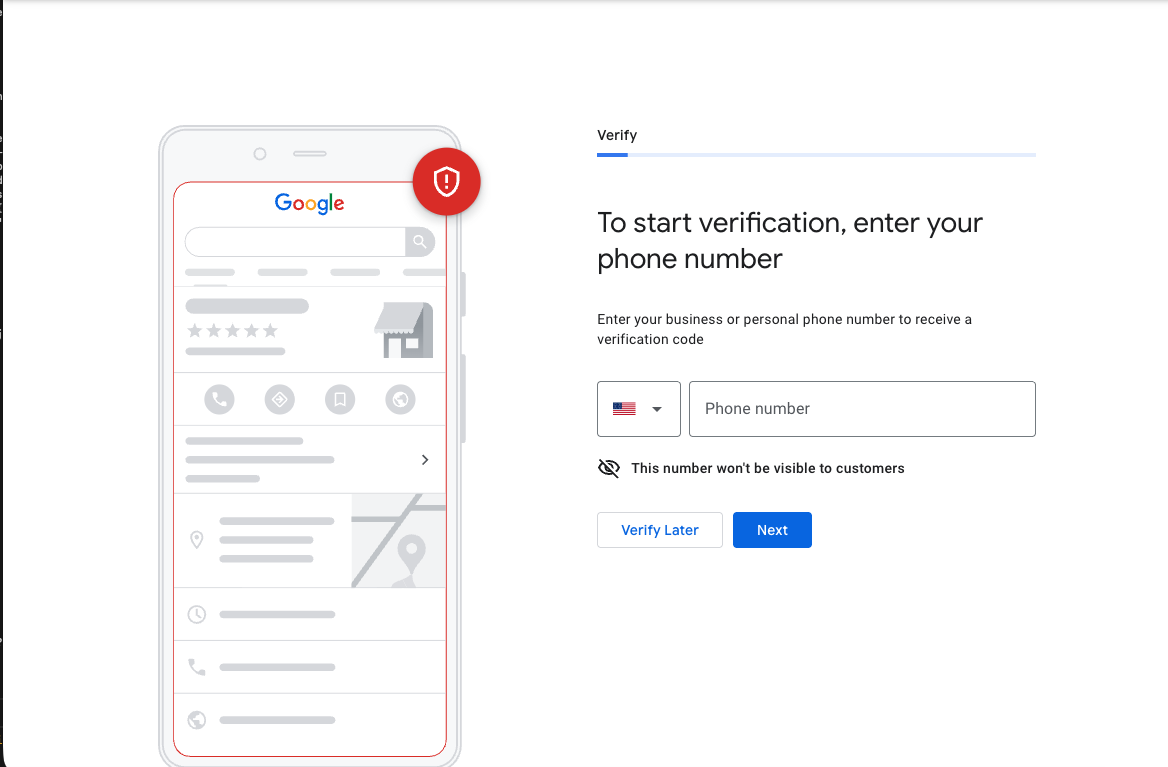
Google may verify by phone, text, postcard, or video. Phone/text is fastest. Postcard takes 5-14 days.
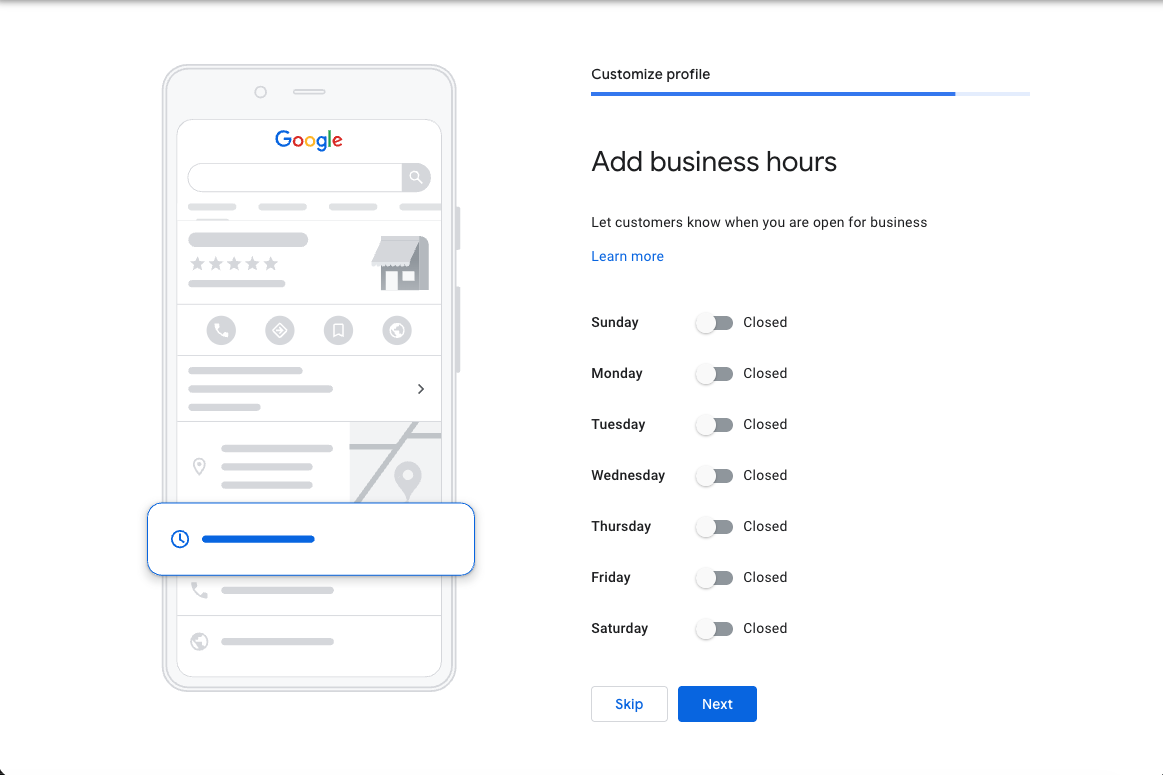
Set your operating hours or click Skip to add them later. Accurate hours help customers know when to contact you.
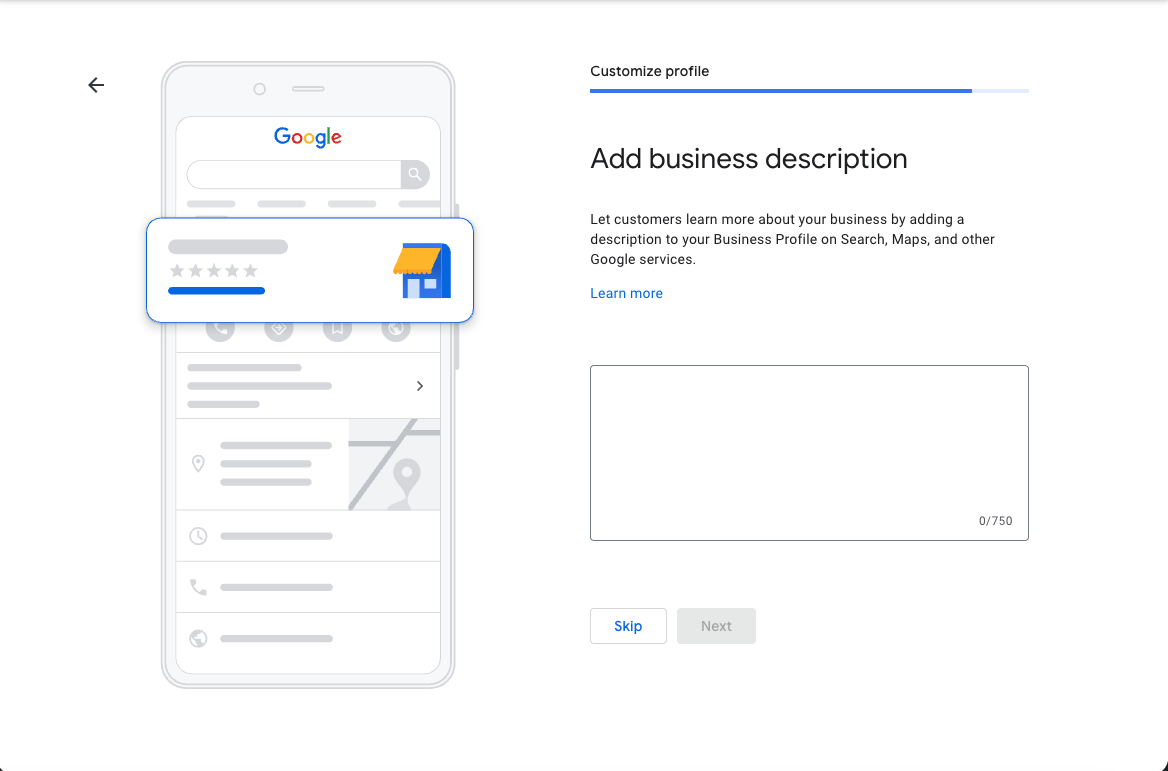
Write a short description (up to 750 characters) about what you do. This is optional - click Skip if you want to add it later.
Service area businesses: Click Skip. You don't have a physical storefront customers visit, so this doesn't apply.
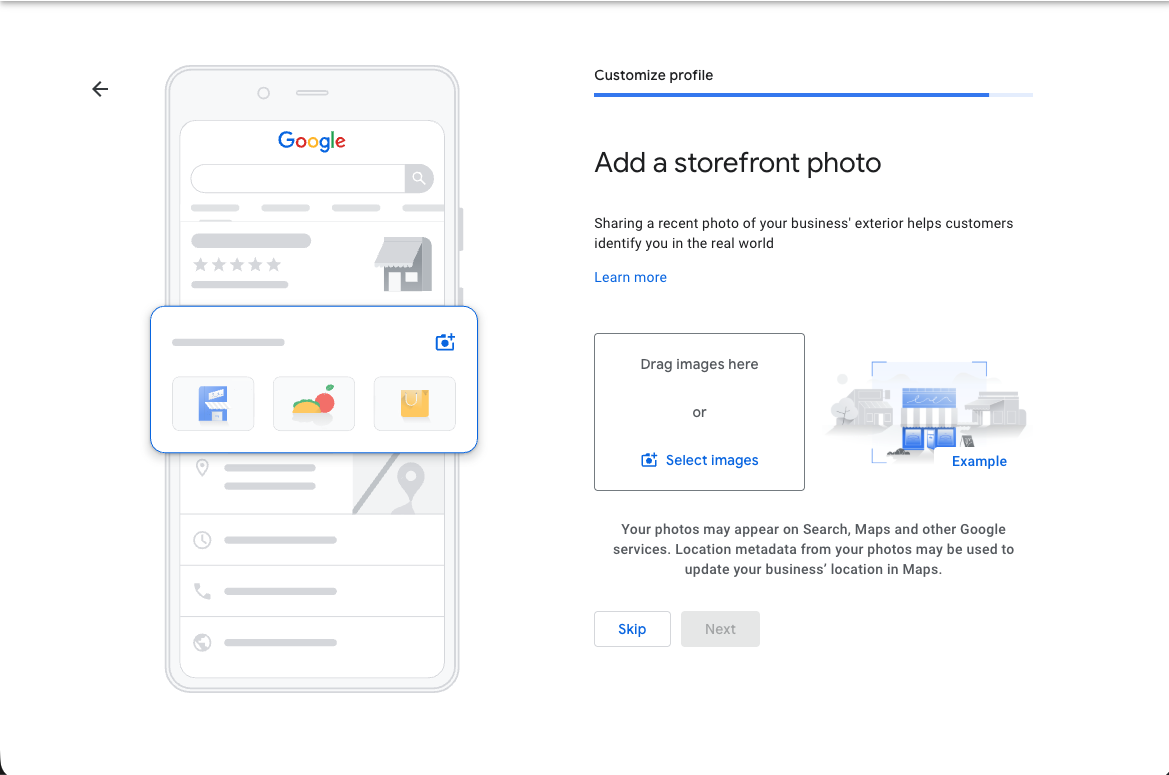
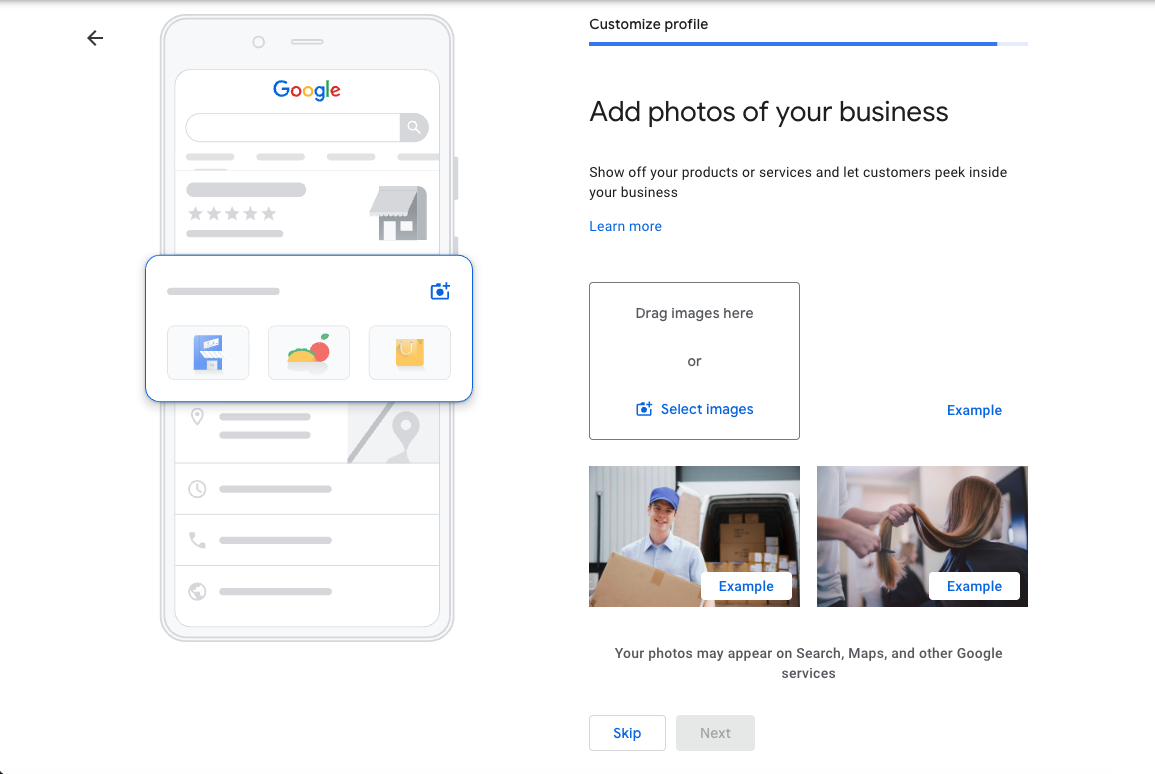
Upload photos of your work, equipment, or team. This is optional - click Skip if you don't have photos ready.
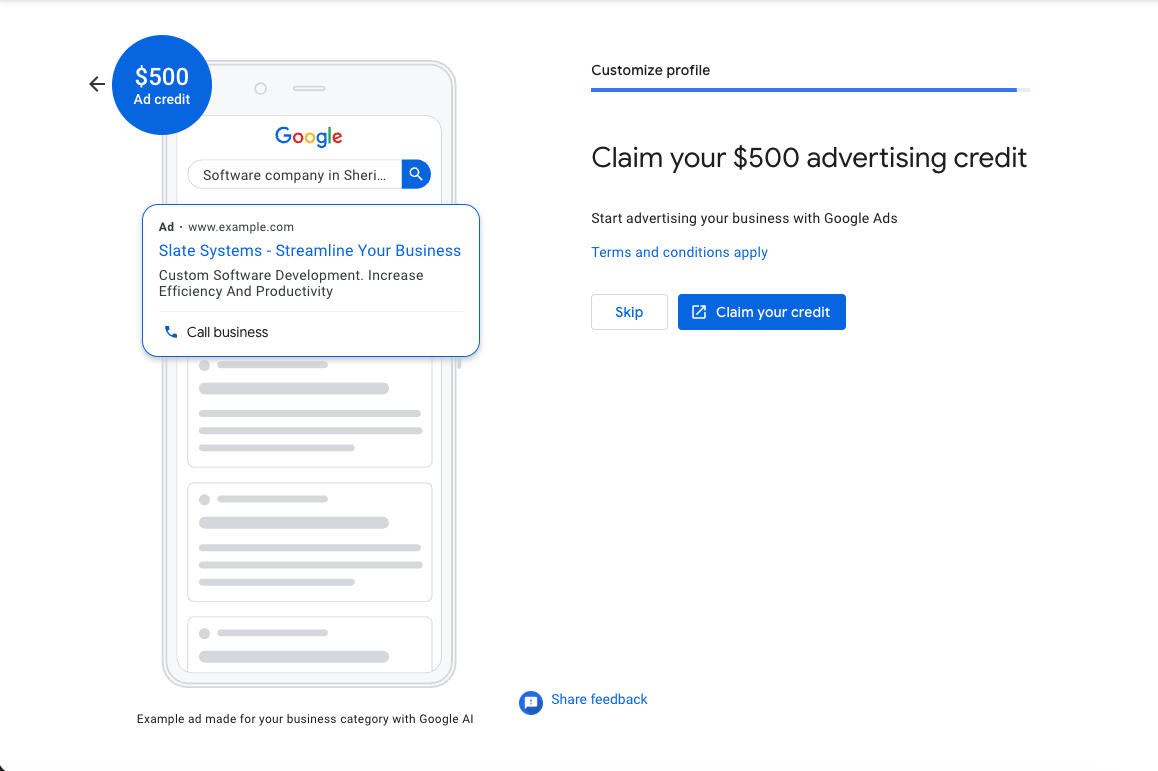
Click Skip. This is a Google Ads sales pitch. You don't need to run ads to have a Google Business Profile.
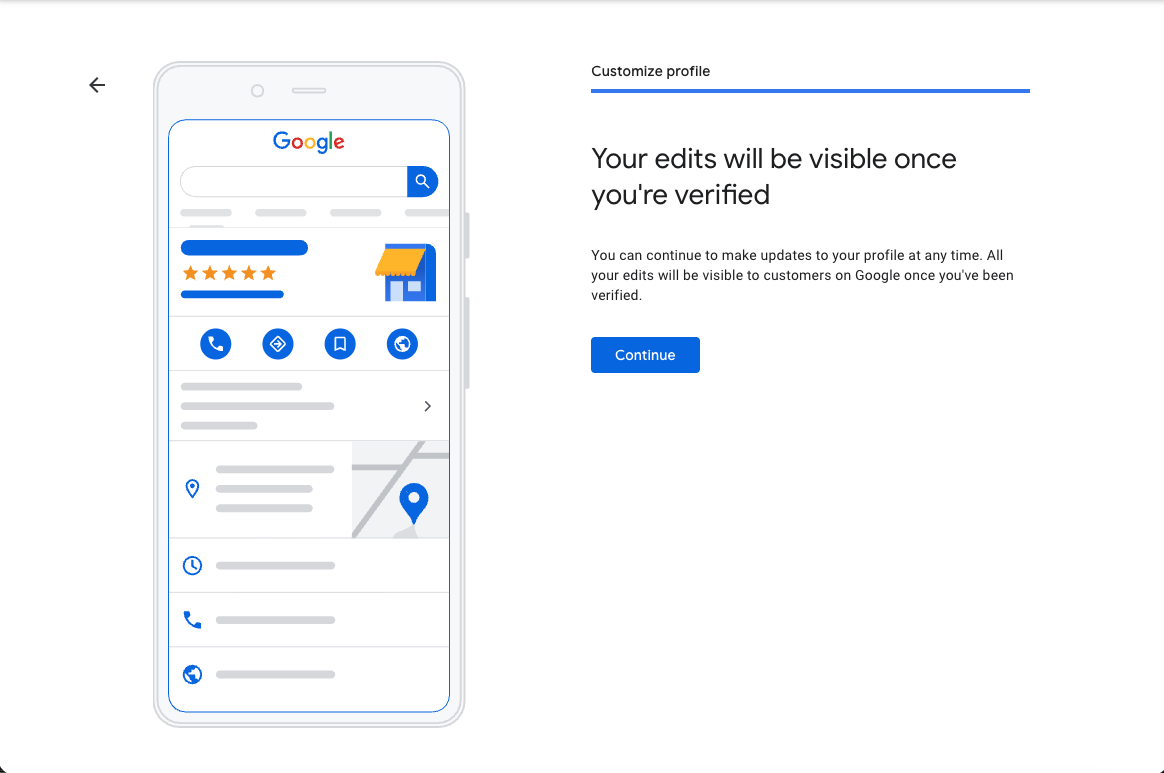
Your profile is created. Click Continue to go to your dashboard. Your edits will be visible to customers after verification.
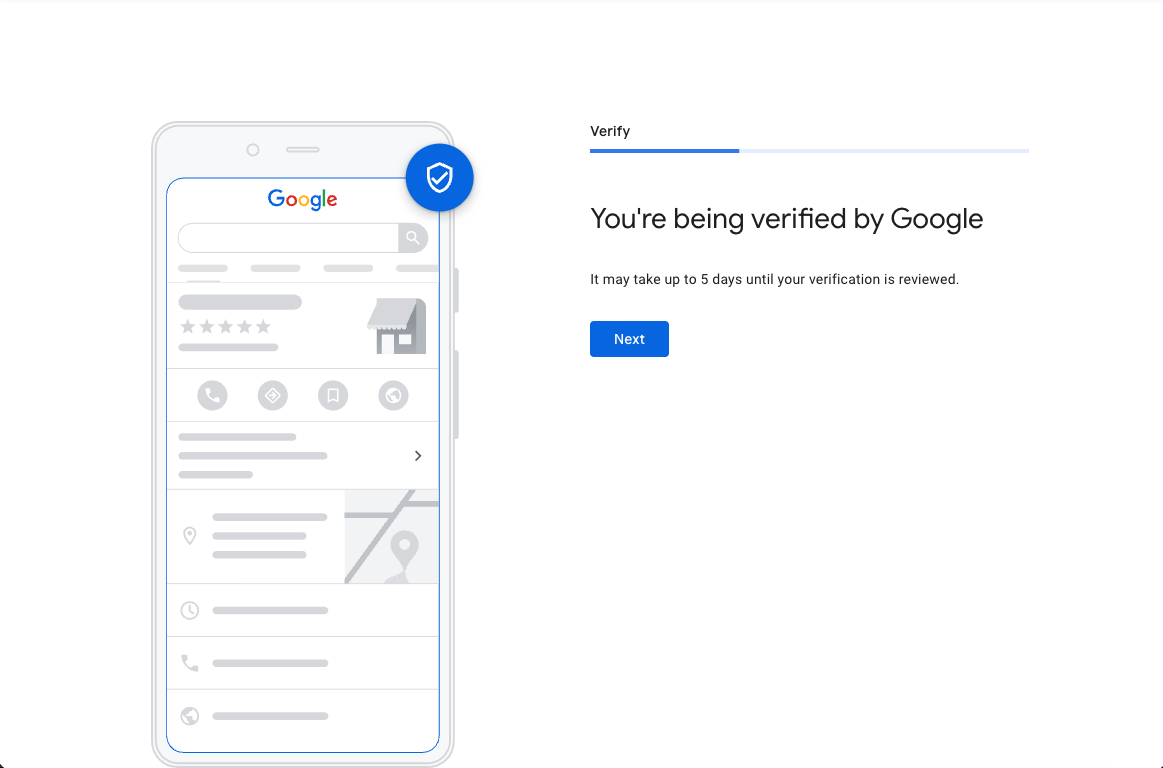
Google is reviewing your profile. This can take up to 5 days. You'll receive a notification when verified.
Changing your business name, address, or category while waiting for verification will invalidate your request and you'll have to start over.
🚀 Profile Created?
Once your profile is verified, the next step is to grant us manager access so we can connect it to your website.
Grant Us Access →